Slot & Spot Authoring
Defining Robust, Persistent Landing Locations for Flying Creatures
In conventional game AI, landing spots are often arbitrary empty GameObjects with a single raycast to find the ground. This breaks down when branches curve, surfaces slant, or multiple birds try to land on the same telephone wire.
PERCH separates landing targets into two clear concepts:
PerchSpot: A MonoBehaviour component attached to scene geometry representing a landing support (branch, railing, ledge, wire).PerchSlot: A lightweight serializable struct contained within the spot defining an exact physical landing stance, orientation, and clearance envelope.
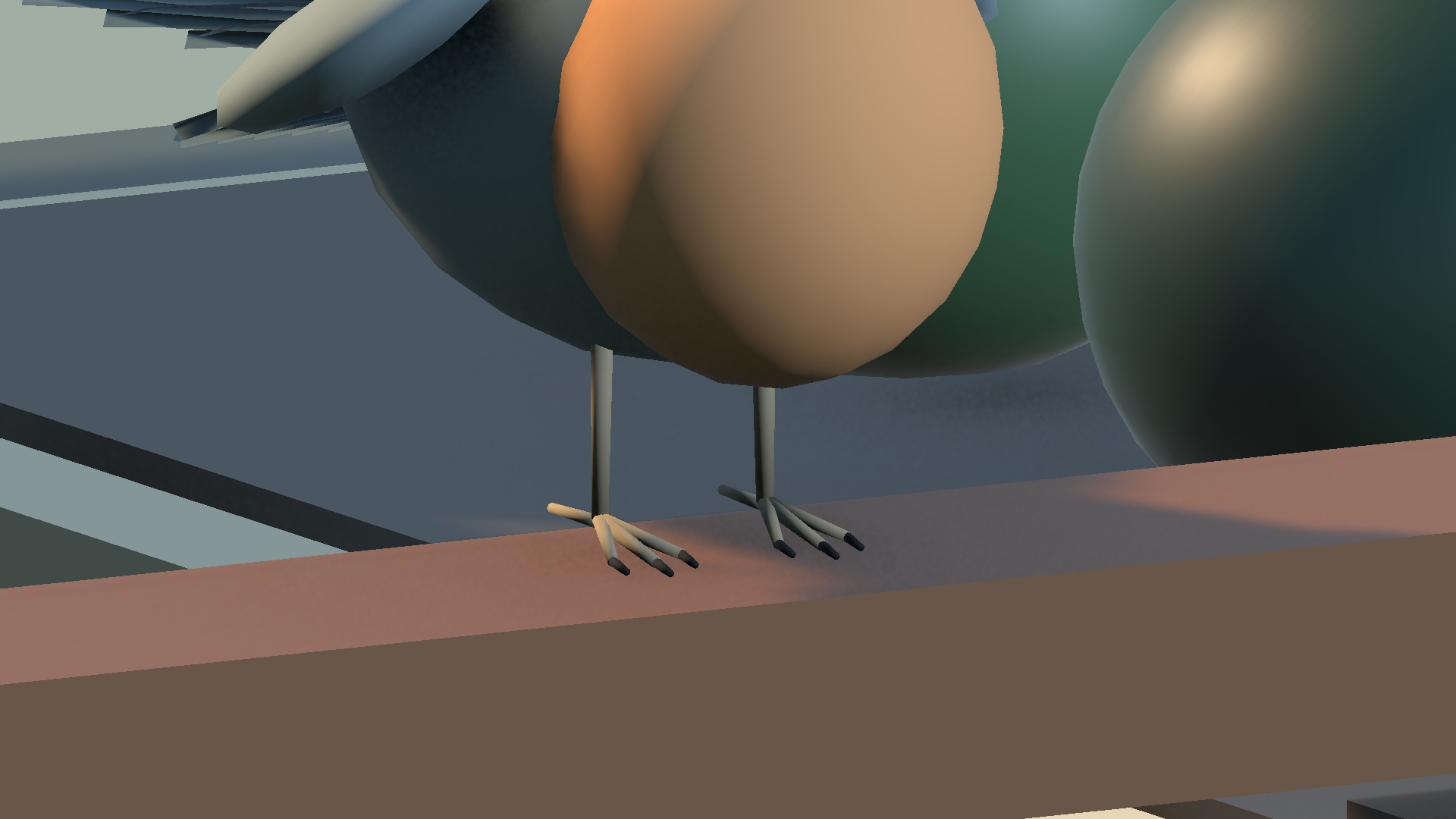
The Contact Coordinate Frame
Every slot defines an authorable contact coordinate frame. In PERCH, this frame follows a strict mathematical convention:
- Local Y (Green Gizmo): Surface Normal. Must point outward from the supporting surface (perpendicular to the plane of contact).
- Local Z (Blue Gizmo): Facing Forward Direction. Defines the creature’s forward orientation when perched and the nominal approach direction.
- Local X (Red Gizmo): Lateral Axis. Spans across the creature’s left and right sides.
       ^ Local Y (Surface Normal)
       |
       |     ^ Local Z (Creature Forward & Facing Direction)
       |    /
       |   /
       |  /
       +-----------> Local X (Lateral Span)
   [Contact Point]
====================== Physical Support Collider Surface
[!WARNING] If a slot’s Local Y points sideways or downward, the approaching creature will attempt to align its feet against that inverted vector, leading to steep unnatural approach banking or
RouteInfeasiblerejection.
Layout Modes
The PerchSpot inspector supports three distinct authoring modes depending on your level geometry:
| Layout Mode | Typical Use Cases | Characteristics |
|---|---|---|
| Single | Fence posts, solitary rocks, lamp heads, drone charging docks | Exactly one slot at a specific local offset. |
| Line | Wooden railings, telephone wires, straight or curved branches | Procedurally generates a series of slots at defined intervals ($D$) along a local vector. IDs remain stable across count edits. |
| ExplicitList | Complex multi-forked trees, ancient ruins, irregular rock formations | Manual placement of an arbitrary array of slots with independent rotations and dimensions. |
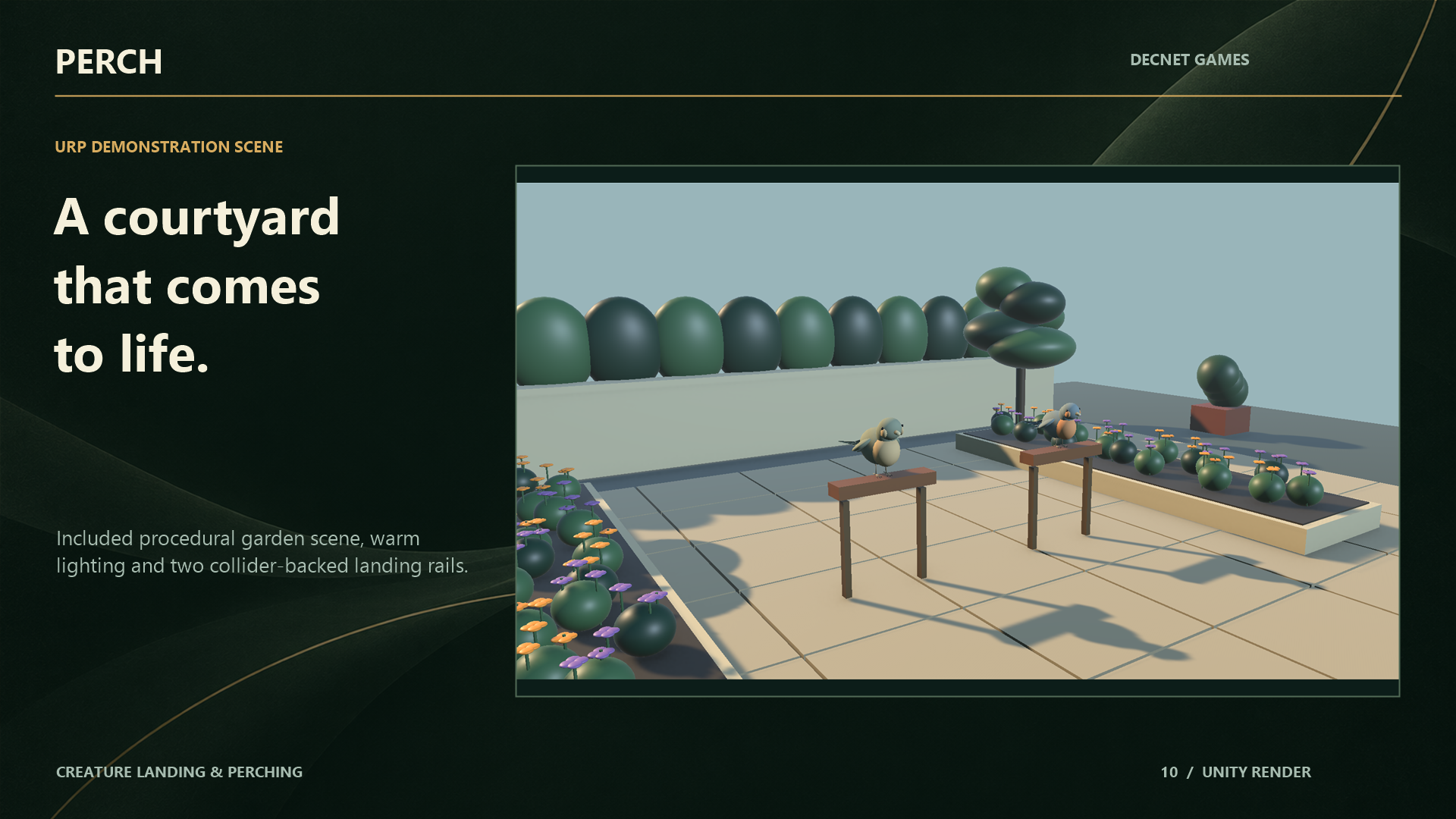
Line Layout Generation
When authoring long rails (such as fences or branches), select Line Layout:
- Set Count (e.g.,
5). - Set Spacing (e.g.,
0.6meters). - Set Start Offset and Axis Direction (
Local XorLocal Z). - Click Generate Slots.
PERCH’s generation algorithm preserves existing stable slot GUIDs where possible. This ensures that any ongoing flight paths or saved editor states do not experience dangling handle references when adjusting branch slot counts.
Contact Modes
Different physical supports require different physical contact checks. PERCH categorizes slots into three contact modes:
1. Point Contact
- Geometry: Narrow poles, thin twigs, wires, spikes.
- Contact Area: Zero-dimensional contact point.
- Creature Matching: Requires creatures with gripping claws or talons capable of wrapping around thin objects.
2. Line Contact
- Geometry: Fence rails, pipes, thick branches, balance beams.
- Contact Area: One-dimensional segment (Length $\times$ Width).
- Creature Matching: Ideal for birds that perch on horizontal bars. Enables longitudinal foot placement adjustments.
3. Patch Contact
- Geometry: Flat stone ledges, rooftops, tree stumps, drone landing pads.
- Contact Area: Two-dimensional surface patch ($X \times Z$ extents).
- Creature Matching: Supports flat-footed creatures, quadrupeds, and multi-rotor drones with wide landing skids.
Support Collider Association
Every PerchSlot requires an explicit reference to its Support Collider:
- Touchdown Grounding: When the creature touches down, the solver grounds its feet against this specific collider.
- Clearance Sweep Exemption: During the final 0.5 meters of approach, PERCH performs continuous obstacle sweeps. To prevent the creature from detecting its own target perch as an obstacle, the assigned support collider is granted a strictly scoped collision exemption during the touchdown phase.
[!IMPORTANT] If the Support Collider field is left unassigned (
null), PERCH will emit anInvalidSetuperror code and refuse to route approaching creatures to the slot.
Reserved Footprints & Wingspan Clearance
A common bug in flock systems is two birds perching too close together, causing their wings to clip. In PERCH, this is solved via the Reserved Footprint Radius:
Slot A (Occupied)               Slot B (Requested)
 ( * )                           ( * )
<---- Radius A ---->            <---- Radius B ---->
      [======================]
      OVERLAP DETECTED -> REJECTED (FootprintConflict)
- Each slot authors a
ReservedFootprintRadius(default:0.5m). - When a creature requests a slot, the
LeaseManagerqueries theSpatialHash3Dfor any already-occupied or reserved slots within the combined radii. - If an overlap is detected, the slot is marked as temporarily unavailable (
FootprintConflict), preventing adjacent slots from being occupied concurrently. - Once the perched creature departs and clears the footprint, the neighboring slot automatically becomes eligible for other birds.
Tags & Style Filtering
You can author tags and styles to restrict perches to specific species:
- Style Flags: Author whether a slot accepts
ForwardGlide(birds),HoverDescent(drones, hummingbirds), orBoth. - Tags: String tags such as
SmallBird,BirdOfPrey,Heavy, orSecretPerch. - If an agent’s
PerchCreatureProfilelacks matching tags or styles, the candidate selector rejects the slot instantly during hard filtering with zero physics cost.