Landing Debugger & Telemetry
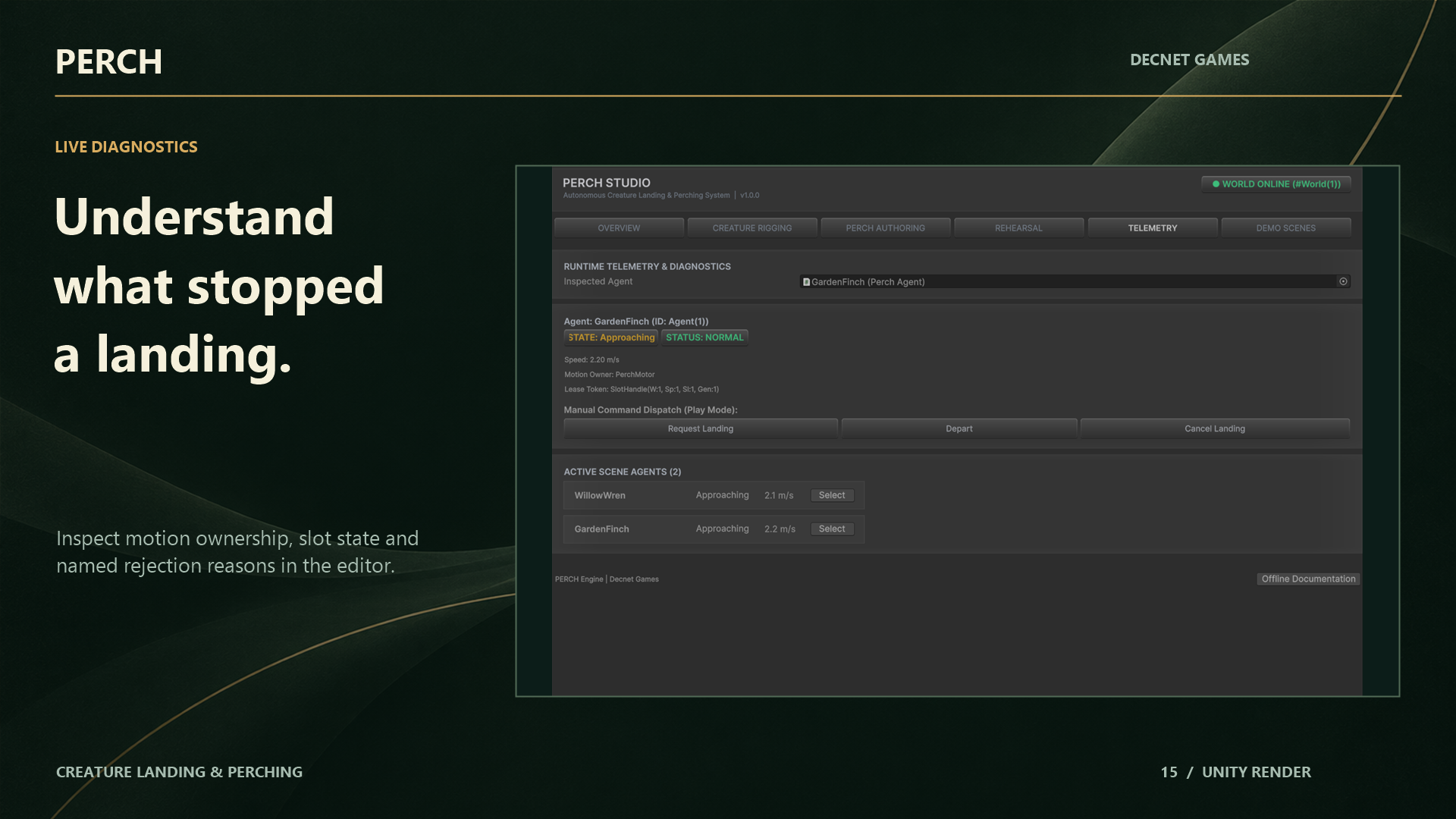
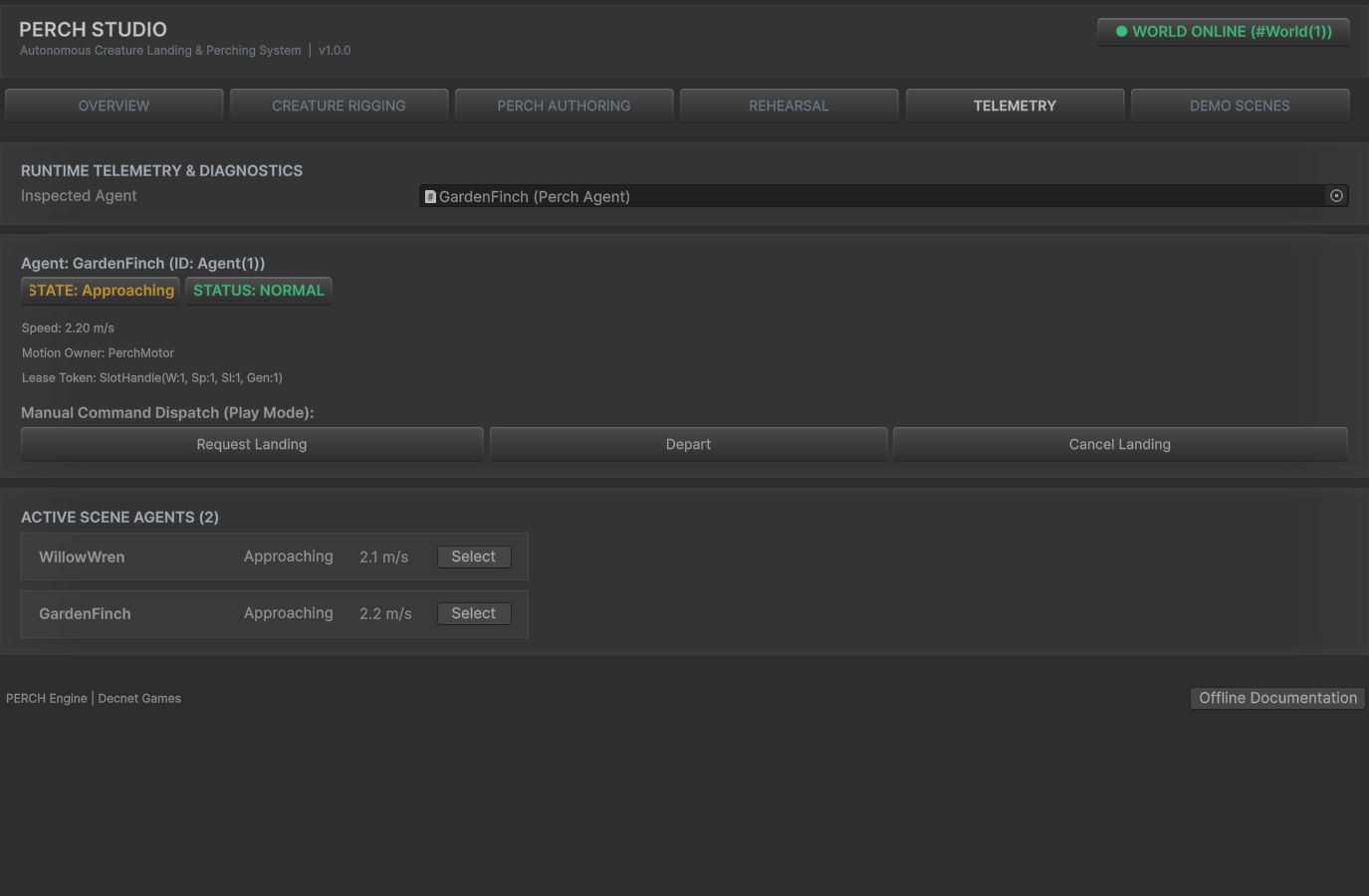
Real-Time Runtime Telemetry & Candidate Inspection
Debugging dynamic AI behavior across dozens of roaming creatures requires immediate visibility. The Landing Debugger provides a zero-overhead window into agent decision-making, physics checks, and lease states.
Open it via:
- Menu:
Window > Perch > Landing Debugger(or via the Diagnostics tab in PERCH Studio).
Key Inspector Capabilities
1. Selected-Agent Focus
When observing a flock of 50 birds, viewing global logs produces overwhelming noise. The Landing Debugger defaults to Selected Only mode: select any bird in the Hierarchy or Scene View to instantly focus telemetry on that specific agent.
2. Live State & Motion Owner Gauges
- FSM State: Displays the active state (
FreeFlight,Selecting,Planning,Approaching,Touchdown,Perched,TakingOff). - Motion Owner: Indicates whether the root is currently driven by
ExternalProvider(free flight steering) orPerchMotor(PERCH trajectory solver). - Speed & Kinematics: Real-time velocity, angular turn rate, and distance remaining to touchdown.
3. Active Lease & Heartbeat Monitor
- Assigned Slot: Displays current
SlotHandle(World ID, Spot ID, Slot ID, Generation). - Lease Token: Shows monotonic sequence number and active lease generation.
- Heartbeat Timer: Displays the TTL countdown bar (resets every 0.25s while approaching).
4. Candidate Rejection Reason Breakdown
When an agent attempts candidate selection, the debugger displays a ranked list of candidate perches and why they were accepted or rejected:
[Candidate Perches Evaluated: 8]
├── Spot #1 (Wooden Rail A)  --> REJECTED: Occupied (by Finch #2)
├── Spot #2 (Stone Ledge)    --> REJECTED: TagMismatch (Requires 'LargeBird')
├── Spot #3 (High Wire)      --> REJECTED: RouteInfeasible (Turn rate 165°/s > 120°/s)
└── Spot #4 (Garden Branch)  --> ACCEPTED: Score 0.89 (Selected for approach)
Scene View Visual Overlays
The debugger draws non-intrusive Scene View gizmos for selected agents:
- Blue Line: The planned 32-sample Hermite approach spline.
- Cyan Spheres: Swept collision boundary points along the corridor.
- Green Ring: The target slot’s contact frame and surface normal vector.
- Yellow Cylinder: The slot’s reserved wingspan exclusion footprint.
- Red Cross: Location of an obstructing collider if an approach or departure sweep fails.
[!TIP] Debugger overlays are rendered using Unity’s
Gizmossystem. You can toggle them on or off at any time using the Gizmos dropdown in the Scene View header.