Edit-Mode Landing Rehearsal
Scrub Trajectories, Banking & Foot Placement Without Entering Play Mode
Tuning approach trajectories, banking angles, and talon alignment by repeatedly entering Play Mode and waiting for birds to wander toward a branch is slow and frustrating.
PERCH includes an Edit-Mode Landing Rehearsal Scrubber that allows you to preview the entire approach and landing cycle directly in the Scene View at design time.
| Edit-Mode Trajectory Preview | Studio Rehearsal Scrubber |
|---|---|
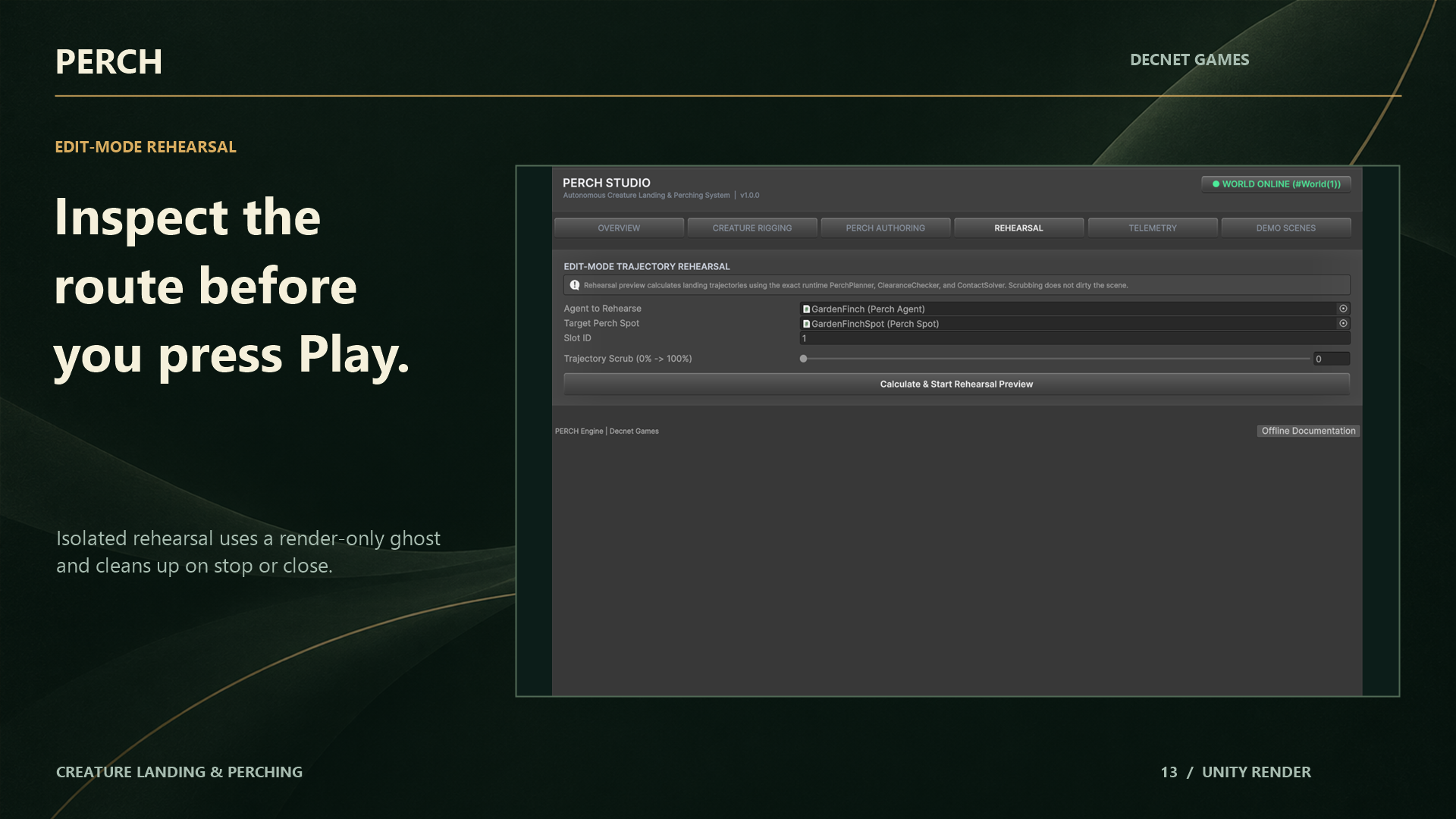 | 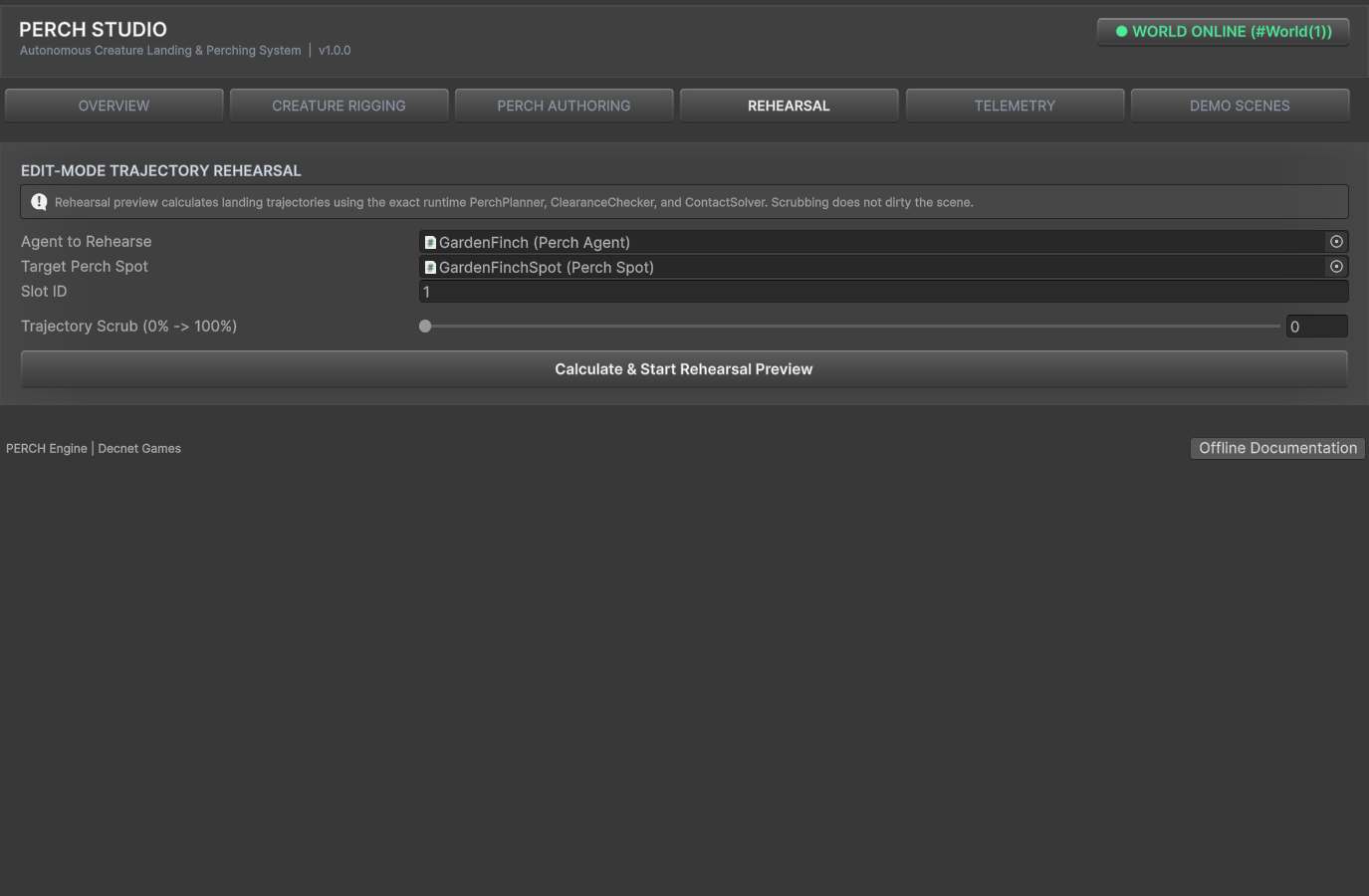 |
| Visual ghost scrubbing along the Hermite approach spline | Timeline slider controlling flight, flare, and touchdown |
How to Rehearse a Landing
- Open PERCH Studio (
Window > PERCH > PERCH Studio/Ctrl+Alt+P) and select the Rehearsal tab. - Select your creature in the Scene View or assign it to the Creature field.
- Select the target PerchSpot you want to test.
- Click Start Rehearsal.
- Drag the Progress Slider ($0.0 \rightarrow 1.0$):
- $0.0 - 0.7$ (Approach): Inspect banking angles along the Hermite curve.
- $0.7 - 0.9$ (Flare & Deceleration): Verify that the creature pitches up smoothly as it bleeds speed.
- $1.0$ (Touchdown & Stance): Zoom in to inspect sub-millimeter foot placement on the perch surface.
The Isolated Preview Ghost Architecture
To protect your project from accidental scene changes or leaked objects, the rehearsal system enforces strict isolation guarantees:
- Render-Only Ghost: Studio instantiates a temporary visual duplicate of the creature’s mesh hierarchy.
- Stripped Components: The ghost is stripped of all
Collider,Rigidbody, and simulation MonoBehaviour scripts, preventing physics triggers or unwanted script lifecycle calls in Edit Mode. - Zero Asset Pollution: The preview GameObject is marked with
HideFlags.HideAndDontSave. It is never serialized into your scene file. - Clean Teardown: Closing the Studio window, deselecting the tool, or entering Play Mode immediately destroys the preview ghost and restores original scene transforms.