Audit Trail
“Who approved this, and what exactly did they approve?”
A review state on its own is a claim. An audit trail is the evidence behind the claim. LocalizeShip stores an event for every transition, including the transitions nobody clicked — the automatic invalidations.
ApprovalEvent
Each event records:
public string EventId;                      // GUID
public StableEntryId EntryId;
public LocaleId TargetLocale;
public SourceRevisionHash BoundSourceRevision;
public TranslationRevisionHash BoundTranslationRevision;
public ReviewState OldState;
public ReviewState NewState;
public string ReviewerLabel;
public string ReviewerRole;
public string Rationale;
public long TimestampTicks;
TimestampUtc converts the ticks to a UTC DateTime. The constructor stamps DateTime.UtcNow.Ticks automatically.
Where events are written
ApprovalRecord.ApplyReview is the single write path for human and import transitions:
public void ApplyReview(ReviewState newState, SourceRevisionHash currentSourceHash,
    TranslationRevisionHash currentTransHash, string reviewer, string role, string rationale)
{
    var evt = new ApprovalEvent(EntryId, Locale, currentSourceHash, currentTransHash,
        CurrentState, newState, reviewer, role, rationale);
    History.Add(evt);
    CurrentState = newState;

    if (newState == ReviewState.Approved)
    {
        ApprovedSourceHash = currentSourceHash;
        ApprovedTranslationHash = currentTransHash;
    }
}
Default labels are supplied when the caller passes an empty reviewer or role:
- Reviewer:
Local Reviewer - Role:
Localization Lead
Events from the Release Board
| Action | Reviewer | Role | Rationale |
|---|---|---|---|
| Approve | Lead Reviewer | Localization QA | Manually approved in Release Board |
| Reject | Lead Reviewer | Localization QA | Rejected in Release Board |
| Edit text | Local Editor | Localization QA | Direct edit in Release Board |
| Batch approve | Lead Reviewer | Localization QA | Batch approval of filtered lines |
Events from imports
ApplyCoordinator.ApplyPlan applies imported text as Needs Review:
approval.ApplyReview(ReviewState.NeedsReview, sourceHash, default,
    reviewerName, "Translator Import", $"Applied from import plan {plan.PlanId}");
The Review Imports window passes Local QA Reviewer as the reviewer name.
Events from automatic invalidation
CheckSourceChange appends:
- Reviewer:
System (Auto-Invalidation) - Role:
Engine - Rationale:
Source revision changed from <old> to <new>. Approval invalidated. - Old state:
Approved - New state:
Stale
This is the only automatic transition that writes an event in 1.0.0.
Reading the trail in the studio
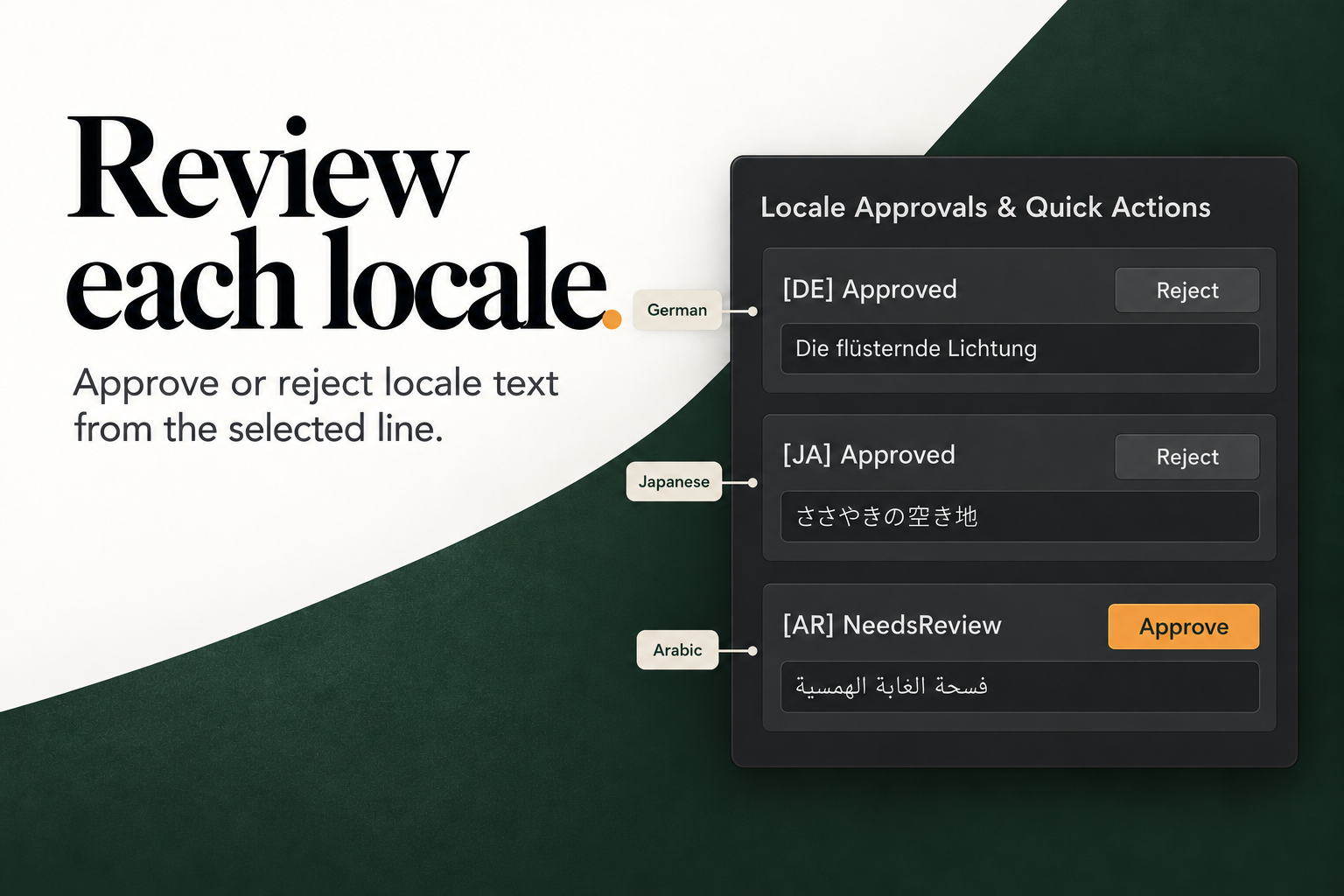
Select a line in the Release Board. For each locale, the inspector shows:
[DE] Audit History (3 records):
[2026-10-21 14:02] NeedsReview -> Approved by Lead Reviewer (Localization QA)
Manually approved in Release Board
The inspector displays the last four events per locale, newest first. The full list remains in the approval record.
The bottom bar’s Audit History button opens a workspace-level summary:
- workspace ID and release version;
- source line count and approval record count;
- total event count across all records;
- the latest event for up to eight approval records.
This summary is a dialog, not an export. For a machine-readable record, export the workspace asset itself (it is serialized JSON in the .asset file) or add your own exporter.
What the audit trail is good for
- Release reviews: show the exact transitions that led to the current state.
- Dispute resolution: distinguish “approved then invalidated” from “never approved”.
- Translator feedback: keep rejection rationales attached to the line and locale.
- Automation debugging: see when the engine invalidated a record and which hash replaced which.
What it is not
- It is not an authentication system. Reviewer labels are free-text strings; there is no account system or signature. Anyone using the project can type any label.
- It is not a full text history. Events store hashes and state, not the old and new translation bodies.
- It is not tamper-evident. The workspace asset is a normal Unity asset; someone with write access can edit it.
- It is not global across projects. The history lives in the workspace asset.
If you need a stronger chain of custody, commit the workspace asset to version control and tag it per release. The diff between two tagged assets is a practical audit log.
A minimal evidence pack for a release
- The
ReleaseWorkspaceasset at the release commit. LocalizeShip_Report_v<version>.jsonfrom the gate window.LocalizeShip_Report_v<version>.htmlfor human reading.- The handoff manifests used for the round (
Handoff_<version>_<LOCALE>.json). - Any review screenshots or device captures you consider evidence, labelled as such.
Keep them together. A report without the workspace cannot be reproduced; a workspace without the report cannot be read at a glance.