CI Release Gates
Automation with an honest boundary
There is no localizeship CLI and no headless gate command in 1.0.0. There is a plain C# evaluator and an EditMode test suite. Both can run in Unity batch mode if you provide the entry point and the licence.
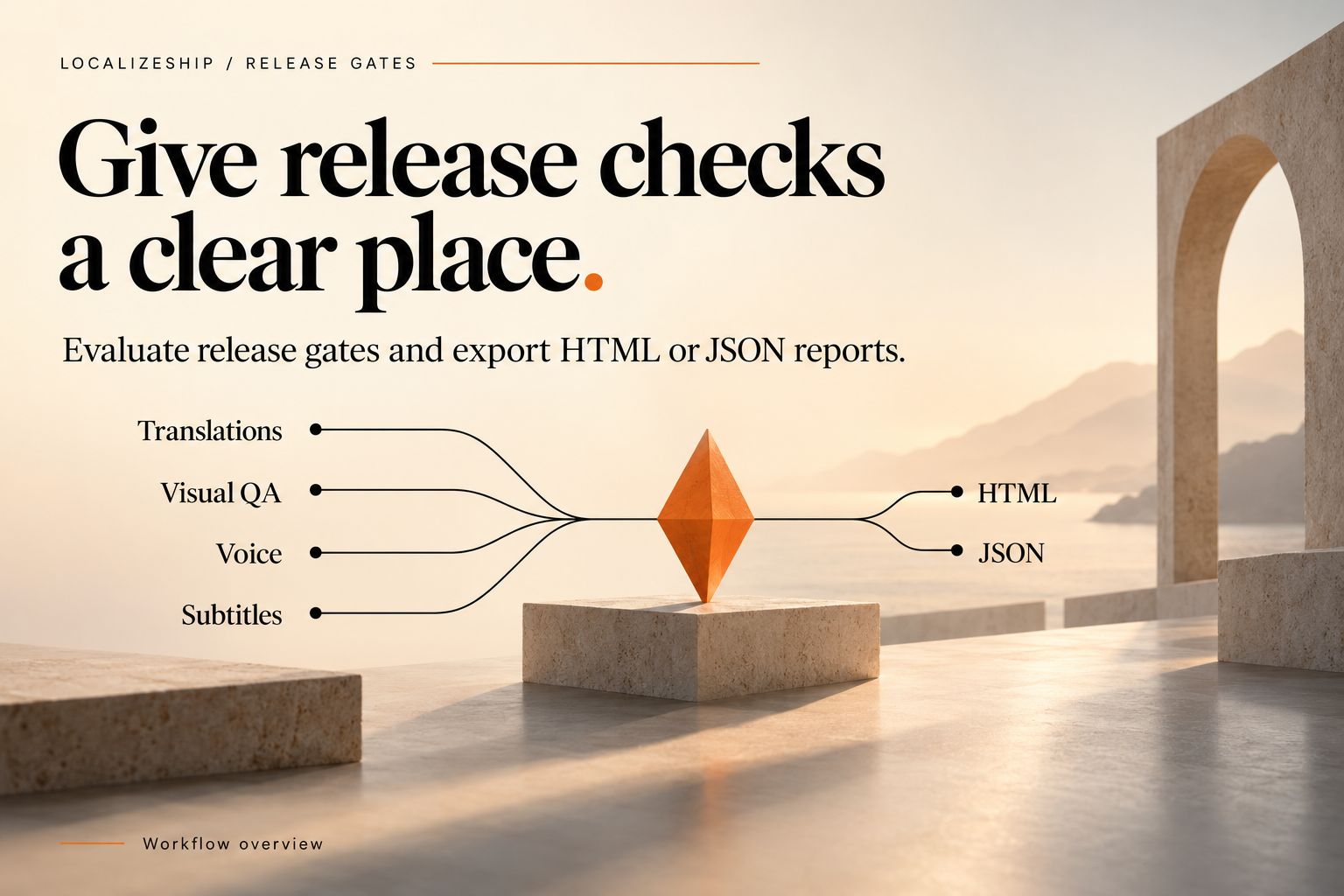
What you can automate today
| Task | Supported path |
|---|---|
| Run the 12 EditMode acceptance tests | Unity -runTests batch mode |
Evaluate a workspace and get a ReleaseGateReport | Custom -executeMethod editor script |
| Write JSON evidence | JsonUtility.ToJson(report, true) in that script |
| Write HTML evidence | Your own writer, or call the window’s private method via reflection |
| Open the gate window on a build agent | Not meaningful (no GUI) |
| Import translations headlessly | Custom script using MergePlanner / ApplyCoordinator |
The gate window itself is editor UI. Do not schedule it.
1. Run the tests
"C:\Program Files\Unity\Hub\Editor\6000.5.4f1\Editor\Unity.exe" ^
  -batchmode -nographics ^
  -projectPath "C:\path\to\LocalizeShip" ^
  -runTests -testPlatform EditMode ^
  -testResults "Build\test-results.xml" ^
  -logFile "Build\test.log" ^
  -quit
Expect 12 tests, 12 passed. The result file is NUnit XML. Fail the job on a non-zero exit code and on any <failure> node.
Linux/macOS:
"$UNITY_PATH" -batchmode -nographics \
  -projectPath "$PWD" \
  -runTests -testPlatform EditMode \
  -testResults "$PWD/Build/test-results.xml" \
  -logFile "$PWD/Build/test.log" \
  -quit
Unity returns 0 for a successful run, 2 for test failures and 3 for a run that could not start. Check your Unity version’s documentation for exact codes.
2. Add a headless gate entry point
Create an editor script in your project (not in the package, so updates do not overwrite it):
using System;
using System.IO;
using UnityEditor;
using UnityEngine;
using Decnet.LocalizeShip.Core.Models;
using Decnet.LocalizeShip.Core.Services;

public static class CiGate
{
    public static void Run()
    {
        string[] args = Environment.GetCommandLineArgs();
        string workspacePath = GetArg(args, "-lsWorkspace");
        string outputDir = GetArg(args, "-lsOutput") ?? "Build/LocalizeShip";

        var workspace = AssetDatabase.LoadAssetAtPath<ReleaseWorkspace>(workspacePath);
        if (workspace == null)
        {
            Debug.LogError($"Workspace not found: {workspacePath}");
            EditorApplication.Exit(10);
            return;
        }

        var report = new ReleaseGateEvaluator().Evaluate(workspace);

        Directory.CreateDirectory(outputDir);
        string jsonPath = Path.Combine(outputDir, $"LocalizeShip_Report_v{workspace.ReleaseVersion}.json");
        File.WriteAllText(jsonPath, JsonUtility.ToJson(report, true));
        Debug.Log($"Gate status: {report.OverallStatus}. Report: {jsonPath}");

        EditorApplication.Exit(report.OverallStatus == GateStatus.Passed ? 0 : 1);
    }

    private static string GetArg(string[] args, string name)
    {
        for (int i = 0; i < args.Length - 1; i++)
            if (args[i] == name) return args[i + 1];
        return null;
    }
}
Invoke it:
Unity.exe -batchmode -nographics -projectPath . ^
  -executeMethod CiGate.Run ^
  -lsWorkspace "Assets/Decnet/LocalizeShip/Generated/ReleaseWorkspace_v1.0.asset" ^
  -lsOutput "Build/LocalizeShip" ^
  -logFile "Build/gate.log" ^
  -quit
Notes:
Evaluate(workspace)uses the defaultGatePolicy(all checks on). To customize, construct a policy and pass it.EditorApplication.Exitsets the process exit code;-quitalone would return 0 regardless of the verdict.- The script must live in an Editor assembly that references
Decnet.LocalizeShip.Core. - Asset paths are project-relative, not absolute.
3. HTML in CI
GenerateHtmlReport is a public method on ReleaseGateEvaluator:
File.WriteAllText(
    Path.Combine(outputDir, "gate.html"),
    new ReleaseGateEvaluator().GenerateHtmlReport(workspace, report));
You can also generate your own HTML from the report object. Keep the JSON as the machine-readable artifact and the HTML as the human appendix.
Example minimal HTML in the entry point:
var sb = new System.Text.StringBuilder();
sb.Append("<html><body><h1>LocalizeShip ")
  .Append(workspace.ReleaseVersion).Append("</h1><p>")
  .Append(report.OverallStatus).Append("</p><ul>");
foreach (var c in report.Checks)
{
    sb.Append("<li>").Append(c.CheckName).Append(": ")
      .Append(c.Passed ? "PASS" : "FAIL")
      .Append(" — ").Append(c.Details).Append("</li>");
}
sb.Append("</ul></body></html>");
File.WriteAllText(Path.Combine(outputDir, "gate.html"), sb.ToString());
Escape violation text if you include it.
4. GitHub Actions sketch
name: localization-gate
on: [pull_request]

jobs:
  verify:
    runs-on: ubuntu-latest
    steps:
      - uses: actions/checkout@v4
        with: { lfs: true }

      - name: Unity tests
        run: |
          "$UNITY_PATH" -batchmode -nographics \
            -projectPath . \
            -runTests -testPlatform EditMode \
            -testResults "$PWD/Build/test-results.xml" \
            -logFile "$PWD/Build/test.log" -quit

      - name: Gate
        run: |
          "$UNITY_PATH" -batchmode -nographics \
            -projectPath . \
            -executeMethod CiGate.Run \
            -lsWorkspace "Assets/Decnet/LocalizeShip/Generated/ReleaseWorkspace_v1.0.asset" \
            -lsOutput "Build/LocalizeShip" \
            -logFile "Build/gate.log" -quit

      - uses: actions/upload-artifact@v4
        if: always()
        with:
          name: localizeship-evidence
          path: |
            Build/test-results.xml
            Build/gate.log
            Build/LocalizeShip/
You must supply an activated Unity installation (UNITY_PATH), a licence, and enough runner time. Unity licensing on CI is outside the scope of this package.
5. What the gate does not fail on
If your pipeline treats the gate as the only quality signal, it will miss:
- placeholder and rich-text defects;
- glossary violations;
- unreviewed merge conflicts;
- missing or duration-mismatched voice;
- subtitle min/max duration and line length;
- stale subtitle source hashes;
- player-build rendering;
- linguistic or RTL correctness.
Add your own checks to CiGate.Run for these. The evaluator is a library; extend the pipeline, not your confidence.
6. Artifact discipline
Archive per build:
test-results.xml(12/12 evidence);- gate JSON;
- gate HTML or a generated equivalent;
- the workspace asset revision (commit hash);
- the release version and UTC timestamp from the report.
Without the workspace commit, a report cannot be reproduced.