Localization Providers
One contract, three adapters, clear boundaries
LocalizeShip reads and writes strings through a small adapter interface. The bundled Unity Localization adapter is implemented. The I2 Localization and Dialogue System adapters are compile-isolated scaffolds, not finished integrations.
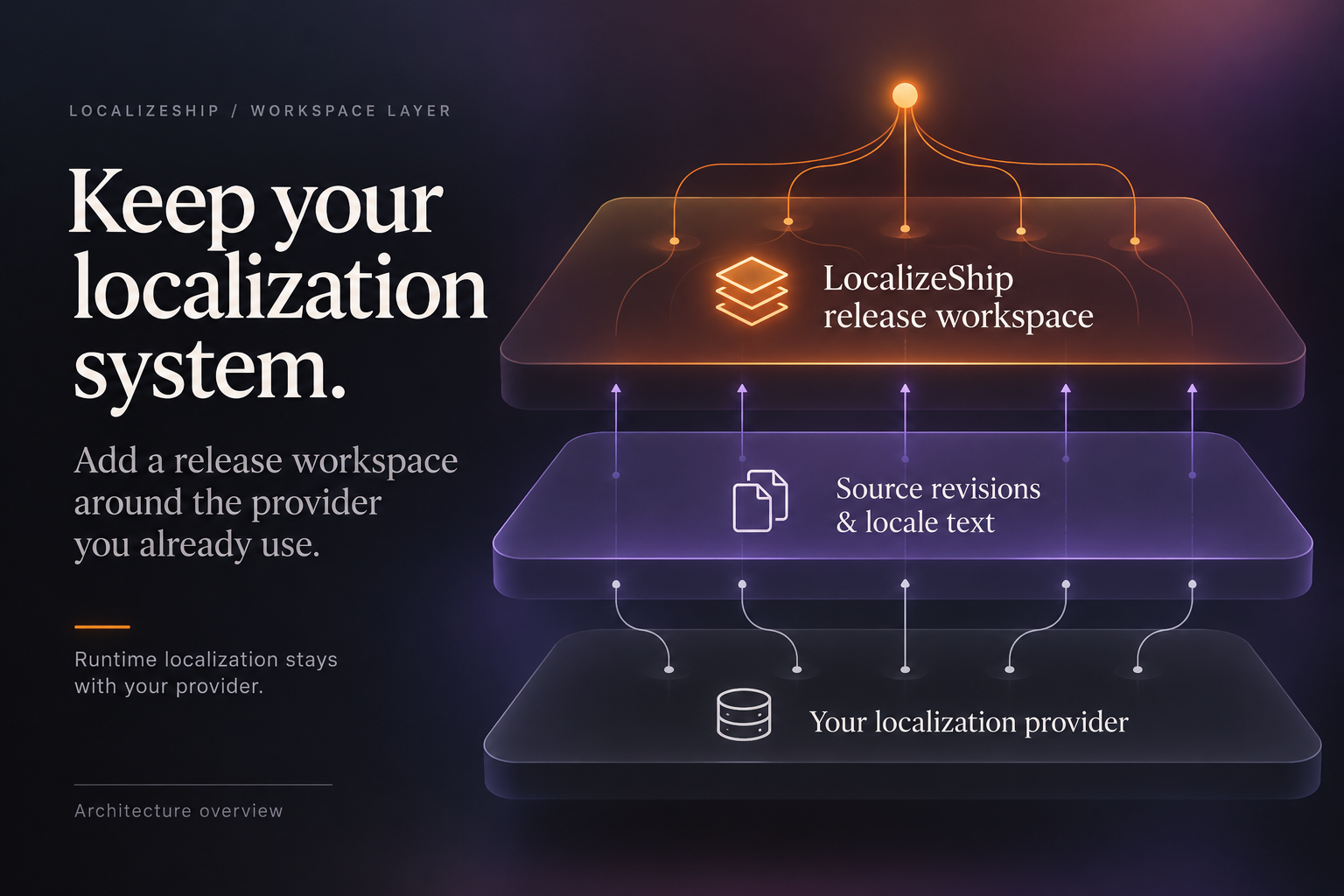
The capture shows the optional I2 Localization and Dialogue System adapters absent; it is not licensed-install verification.
The contract
public interface ILocalizationProvider
{
    string ProviderId { get; }
    string DisplayName { get; }
    bool IsInstalled { get; }
    string VersionString { get; }

    List<string> GetAvailableCollectionNames();
    List<SourceRevision> ReadCollection(
        string collectionName, string sourceLocale, NormalizationPolicy policy);
    string GetTranslation(
        string collectionName, StableEntryId entryId, LocaleId locale);
    void WriteTranslation(
        string collectionName, StableEntryId entryId, LocaleId locale, string newText);
}
Four properties describe the provider. Five methods move data in and out.
Status matrix
| Provider | ProviderId | Implemented? | What discovery shows |
|---|---|---|---|
| Unity Localization | UnityLocalization | Yes — collections, read, get, write | Always “Active (1.5.13)” |
| I2 Localization | I2Localization | No — method bodies are scaffolds | “Not Installed” unless LOCALIZESHIP_I2_SUPPORT is defined |
| Pixel Crushers Dialogue System | PixelCrushersDialogueSystem | No — method bodies are scaffolds | “Not Installed” unless LOCALIZESHIP_PIXELCRUSHERS_SUPPORT is defined |
| Your own adapter | any unique string | You write it | Only if you add it to discovery |
Defining
LOCALIZESHIP_I2_SUPPORTorLOCALIZESHIP_PIXELCRUSHERS_SUPPORTchangesIsInstalledto true, but the collection list is still empty,GetTranslationstill returnsnull, andWriteTranslationbecomes a no-op. Do not present these adapters as working integrations.
Where adapters are used
ProviderDiscoveryService.DiscoverProviders() instantiates all three adapters and calls GetAvailableCollectionNames() for each. Guided Setup displays the results and lets you choose a provider ID, which is stored in ReleaseWorkspace.ActiveProviderType.
That is the only place the package calls an adapter. In 1.0.0:
- source revisions are not imported from a provider by any window;
- approvals are not written back to a provider by any window;
- Review Imports applies to the workspace, not to Unity tables.
The Unity adapter is usable from your own editor scripts. See the Unity Localization page for its exact behaviour.
Choosing a provider ID
GuidedSetupWindow writes the selected ProviderId into the workspace:
workspace.ActiveProviderType = _selectedProvider;
Nothing validates that the ID corresponds to an installed adapter at runtime. It is a label used for bookkeeping and display. If you implement a custom ingestion path, read ActiveProviderType to decide which adapter to call, and fail loudly if it is unknown.
Adding a provider
- Implement
ILocalizationProviderin an editor assembly that referencesDecnet.LocalizeShip.Core. - Add your instance to
ProviderDiscoveryService.DiscoverProviders(). - If you want it selectable, make
GetAvailableCollectionNames()return real names. - If you want two-way sync, call
ReadCollection/WriteTranslationfrom your own import/apply step. - Keep provider-specific types out of the Core assembly so the domain stays portable.
There is no plugin folder, reflection scan or service locator. Registration is a code change.
The identity rule
Whatever the provider, the adapter must return a SourceRevision with a StableEntryId built from a key that survives UI edits. If the underlying system renumbers entries, the adapter is responsible for mapping to a stable string.
For Unity Localization, the adapter uses the shared table key, not the numeric ID. Renaming the key creates a new identity and resets approvals for that line.
Provider guides
- Unity Localization — implemented adapter, with its real limitations.
- I2 Localization — compile flag and scaffold status.
- Dialogue System — compile flag and scaffold status.
- Custom Adapters — implement and register your own.