Narrative Iteration
Writers move. Evidence has to move with them.
Narrative text changes later than UI text and in larger batches. A single conversation rewrite can invalidate dozens of approvals, voice takes and subtitle cues. The revision tracker exists to make that wave visible.
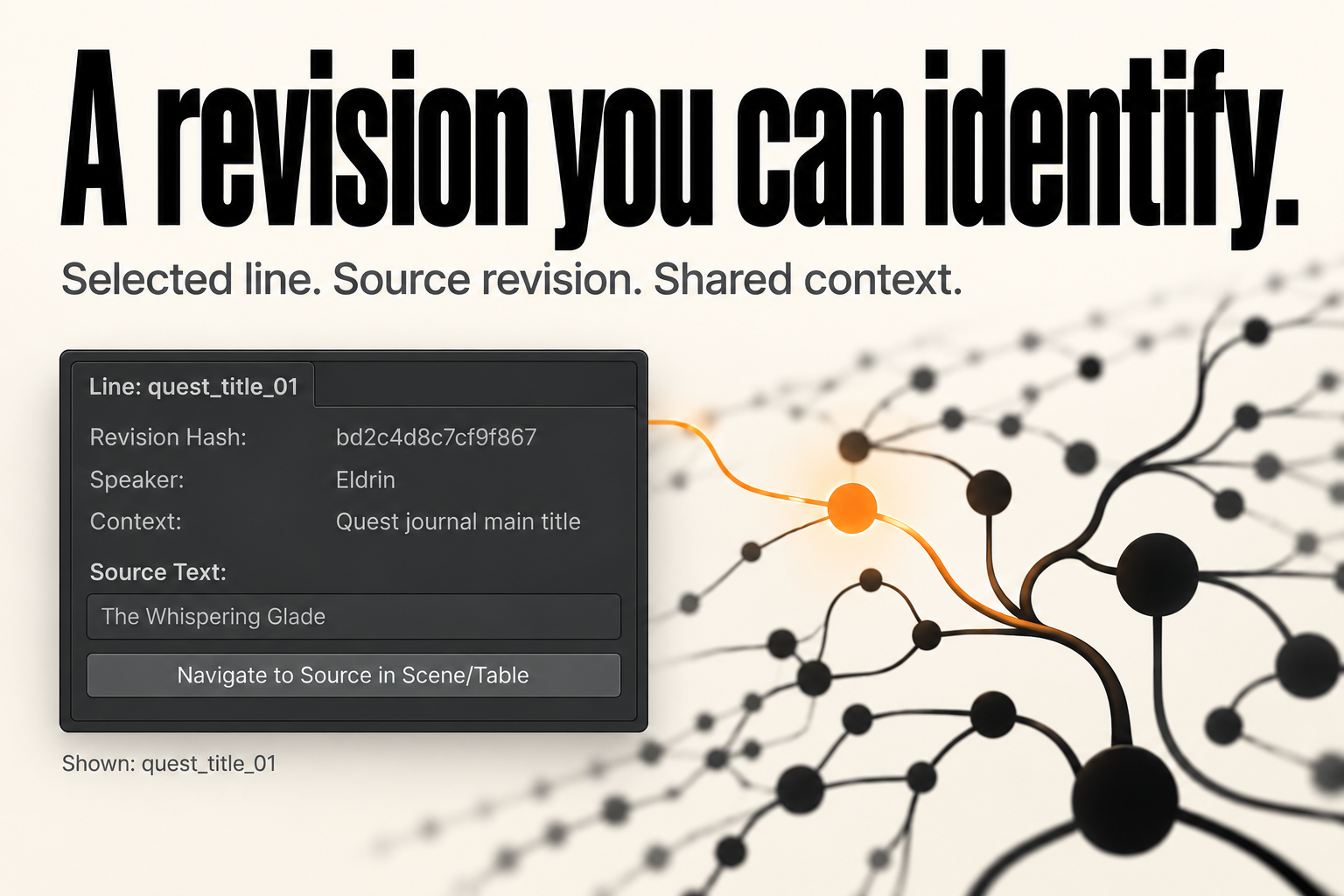
The mechanism
RevisionTracker.ProcessSourceEntry(workspace, entryId, rawText, speaker, context):
- normalizes the new text with the workspace policy;
- computes a new revision hash;
- updates the existing
SourceRevisionin place; - calls
CheckSourceChangeon every approval for that entry:Approved+ different hash →Stale+ system event;- other states are left alone;
- rechecks voice entries for the entry against the new source hash and the approved translation hash.
The hash includes the normalized text, speaker, context and normalization version. Changing a speaker name is a source change.
1. Make the edit through the tracker
var tracker = new RevisionTracker();

tracker.ProcessSourceEntry(
    workspace,
    new StableEntryId("dialogue_aldric_04"),
    "You should not have come here, ${playerName}.",
    "Aldric",
    "Act 2, throne room confrontation");

EditorUtility.SetDirty(workspace);
AssetDatabase.SaveAssets();
If you edit SourceRevision.RawText directly, you bypass hash recomputation, approval invalidation and voice rechecks. Do not do that in production.
The tracker also removes duplicate revisions for the same entry and keeps one current record. Revision history is not stored as a list; the workspace keeps the current revision and the approval events record prior hashes.
2. Read the impact
var impact = new ImpactEngine().ComputeImpact(workspace, entryId);
ImpactEngine reports affected artifacts by category:
- translations (approvals that are now stale);
- voice entries;
- subtitle cues;
- capture bindings;
- scene/asset references where known.
Use it to brief the team: “this rewrite touches 3 locales, 2 voice takes and 4 subtitle cues.”
The Release Board’s detail panel shows the same report for the selected line.
3. Triage by category
| Category | Owner | Decision |
|---|---|---|
| Translation stale | Localization lead | Retranslate, or confirm the old text still means the same |
| Voice stale | Audio lead | Re-record or accept with a documented waiver |
| Subtitle timing | Narrative/UI | Re-time, re-split, or accept |
| Capture affected | QA | Re-run the tile for each locale |
Do not let a bulk “approve all” erase the distinction. A stale translation and a stale voice take have different costs.
4. Batch edits
For a writer importing a whole scene’s dialogue:
var tracker = new RevisionTracker();

foreach (var line in newDialogueLines)
{
    tracker.ProcessSourceEntry(
        workspace,
        new StableEntryId(line.Key),
        line.Text,
        line.Speaker,
        line.Context);
}
Practical rules:
- process lines in a deterministic order;
- do not change keys during a rewrite unless the line is genuinely new;
- run the batch on a branch and inspect the resulting stale counts before merging;
- save the asset once at the end, not per line.
If a line is deleted, the workspace has no delete API. Remove the revision and its approvals deliberately, and record why. Leaving orphan revisions makes the gate report counts misleading.
5. Re-handoff only what changed
Translation Handoff has Only Changed / Unapproved Lines enabled by default. It skips Approved cells, so stale cells and missing cells are included.
For a narrative wave:
- export only changed/unapproved for each locale;
- send with a note describing the narrative context change;
- import with JSON so three-way detection is accurate;
- resolve conflicts where the translator worked from an older base.
Do not resend the entire table if only ten lines changed. It increases conflict surface and translator cost.
6. Voice and subtitles
A source edit rechecks voice bindings:
- if the take was bound to the old source hash →
StaleSourceRevision; - if the take was bound to an old translation hash →
StaleTranslationRevision.
Subtitle cues are not automatically rechecked or marked stale by ProcessSourceEntry. The cue’s BoundSourceHash can drift silently. Inspect the Subtitle tab and your own data after a narrative change.
Cue text is not overwritten by a source edit. If the new line is longer, CPS may now exceed the limit — the gate will catch that if the cue text itself was updated; it will not catch a stale cue that still holds the old text.
7. Captures
A narrative change may change line length and wrap. Re-run the affected fixtures for every locale. A capture tile that was visited before the change still says Visited; the tool does not invalidate it by hash.
This is a coverage-honesty gap you must manage: after layout-affecting edits, re-run captures rather than trusting an old green tile.
8. Gate before and after
Export a report before the wave, then after. Compare:
- stale counts;
- voice stale counts;
- subtitle violations;
- verdict.
A narrative iteration that leaves the verdict unchanged but doubles stale counts is not free. Put the delta in the release notes.
Checklist
- Edits go through
RevisionTracker. - Speaker/context changes are treated as source changes.
- Impact report reviewed per category.
- Handoff limited to changed/unapproved lines.
- JSON used for the return trip.
- Voice re-records scheduled or waived.
- Subtitle cues re-timed manually.
- Captures re-run for affected screens.
- Before/after gate reports archived.