Glossary
Terminology drift is a brand bug
If “Sunshard Amulet” becomes “Sonnenamulett” in one line and “Lichtamulett” in another, the game has two items as far as the player is concerned. The glossary model exists to catch that. Be aware of how much of it is wired up in 1.0.0.
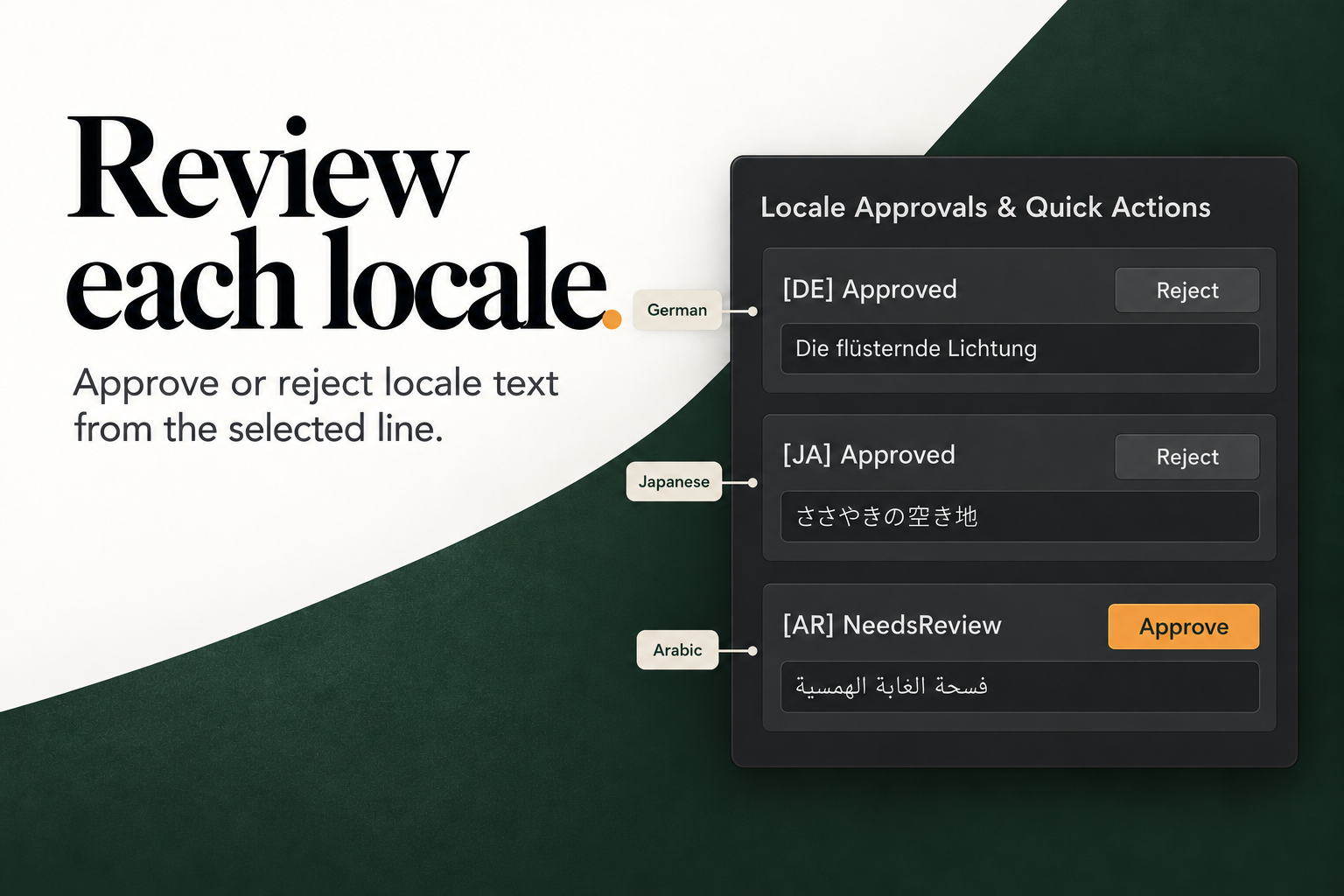
The data model
public class GlossaryTerm
{
    public string TermId;
    public string SourceTerm;
    public LocaleId TargetLocale;
    public string ApprovedTranslation;
    public List<string> ForbiddenVariants;
    public bool CaseSensitive;
    public string ContextDomain;
    public string Notes;
}
A term is scoped to one target locale. It has one approved translation and any number of forbidden variants. ContextDomain and Notes are descriptive; the validator does not use them.
The validator
public List<GlossaryViolation> CheckGlossary(
    string text,
    StableEntryId entryId,
    LocaleId locale,
    List<GlossaryTerm> terms)
For every term matching the locale, it searches the text for each forbidden variant:
var comp = term.CaseSensitive
    ? StringComparison.Ordinal
    : StringComparison.OrdinalIgnoreCase;

int index = text.IndexOf(forbidden, comp);
If found, it records:
public class GlossaryViolation
{
    public string ViolationId;
    public StableEntryId EntryId;
    public LocaleId Locale;
    public string TermId;
    public string ExpectedTerm;
    public string FoundForbiddenVariant;
    public string SurroundingSnippet;
}
The snippet is a window around the match (up to 10 characters before and the variant plus 20 after, bounded by the string).
What it does not check
- It does not require the approved translation to be present.
- It does not check the source term.
- It does not flag a different synonym that is not listed as forbidden.
- It does not handle stemming, inflection or word boundaries. Substring matching means a forbidden variant inside a longer word will match.
- It is case-insensitive by default.
A term with an empty ForbiddenVariants list never produces a violation.
What is wired up in 1.0.0
| Surface | Glossary support |
|---|---|
| Data model on the workspace | Yes (ReleaseWorkspace.Glossary) |
TextRuleEngine.CheckGlossary | Yes |
| Release Board glossary tab | No |
| Gate glossary check | No — GatePolicy.BlockOnGlossaryViolations exists but no check reads it |
| Handoff glossary column | No |
| Sample workspace term | Yes — one German term for Sunshard Amulet |
The gate policy field
BlockOnGlossaryViolationsis currently inert. Setting it totruechanges nothing. Do not tell a release manager that glossary violations are gated in 1.0.0.
The sample seeds this term, but the Release Board does not display it:
workspace.Glossary.Add(new GlossaryTerm
{
    SourceTerm = "Sunshard Amulet",
    TargetLocale = new LocaleId("de"),
    ApprovedTranslation = "Sonnenscherben-Amulett",
    ForbiddenVariants = new List<string> { "Sonnenamulett", "Lichtamulett" },
    ContextDomain = "Items"
});
Using it from code
var textRules = new TextRuleEngine();

var violations = textRules.CheckGlossary(
    approval.TranslationText,
    rev.EntryId,
    new LocaleId("de"),
    workspace.Glossary);

foreach (var v in violations)
{
    Debug.LogWarning(
        $"{v.EntryId} [{v.Locale}] expected '{v.ExpectedTerm}' " +
        $"but found '{v.FoundForbiddenVariant}' near '{v.SurroundingSnippet}'");
}
Run it before approving a cell or before applying an import. Add the results to your own release report if terminology is a blocker for your project.
Authoring terms
There is no glossary editor window. To add terms:
- Open the workspace asset in a text editor (Unity serializes it as YAML with JSON-like fields) and add entries to the
Glossarylist, or - Use an editor script to load the workspace and call
workspace.Glossary.Add(...), thenEditorUtility.SetDirty(workspace).
Recommended term design:
- one term per source concept per locale;
- list real variants you have seen in translations, not every possible synonym;
- set
CaseSensitiveonly when casing changes meaning; - keep
ContextDomainshort (Items,UI,Dialogue); - review the list at the start of each release, not after the translations arrive.
Limits
- No import/export of glossary terms.
- No duplicate-term detection.
- No replacement or auto-fix.
- No UI.
- No gate integration.
The glossary is a foundation, not a finished terminology-management product. Treat it as such.