Sample Setup
Know what is seeded before you judge what you see
The sample is designed to show both green and red states on first open. If everything looked approved, the gate would have nothing to teach.
1. Open the sample
Tools → Decnet → LocalizeShip → Open Sample Release
Expected result:
RPGSampleSceneopens (if the file exists);- the Release Board opens with
RPGSampleWorkspaceloaded; - the matrix shows 5 source lines across
de,ja,ar.
If the workspace is not loaded, select Assets/Decnet/LocalizeShip/Samples/RPGSample/RPGSampleWorkspace.asset in the Project window and reopen the board.
2. Read the workspace
| Entry | Source | de | ja | ar |
|---|---|---|---|---|
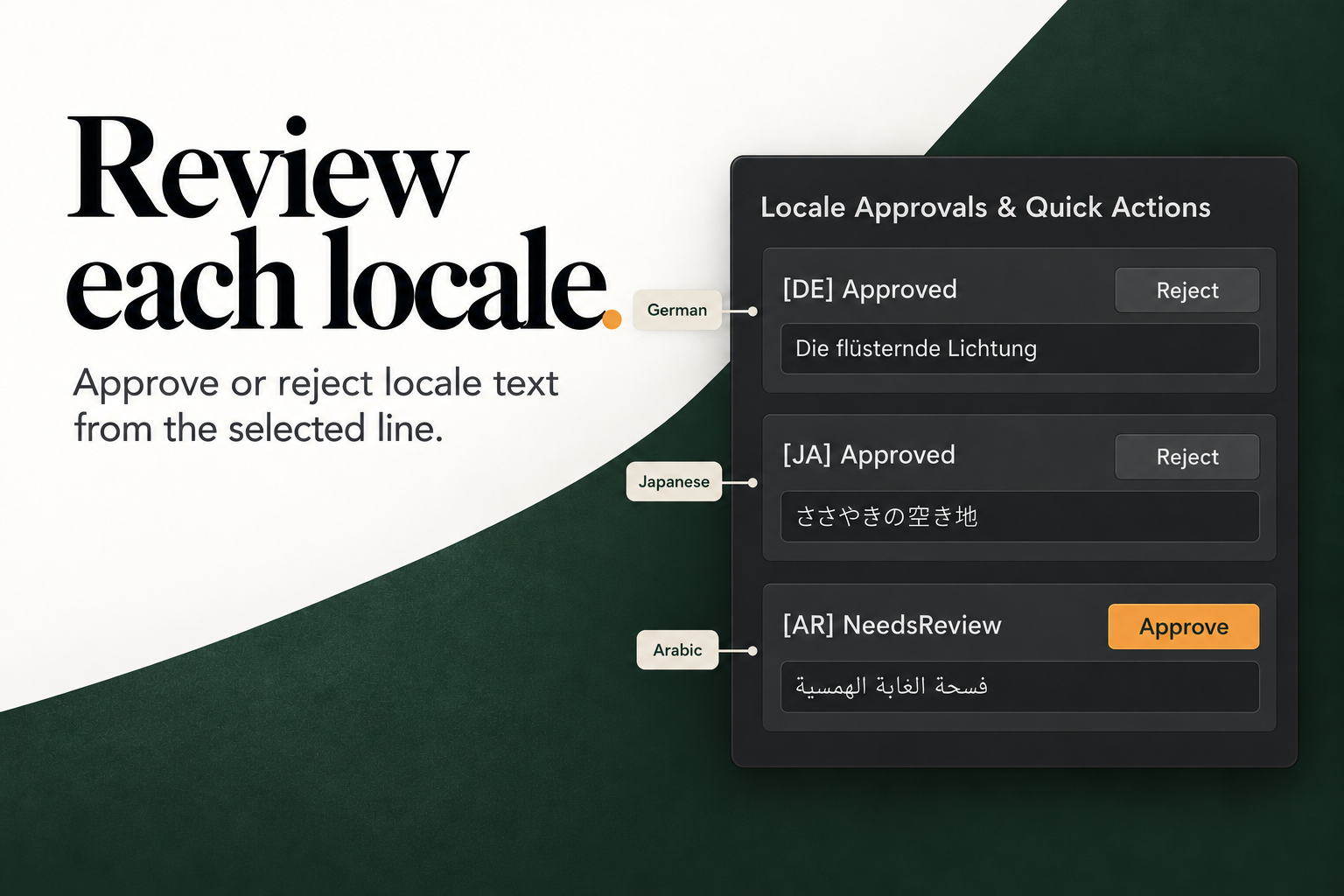
quest_title_01 | The Whispering Glade | Approved | Approved | NeedsReview |
quest_desc_01 | Journey into the ancient forest… | Approved | Approved | NeedsReview |
dialogue_npc_01 | Greetings, traveler… | Approved | Approved | NeedsReview |
item_relic_01 | Sunshard Amulet… | Approved | Approved | NeedsReview |
ui_player_gold | You have {count} gold remaining. | NeedsReview — missing {count} | — | — |
The German and Japanese approvals have ApprovedSourceHash set to the revision hash. Arabic is intentionally left for review.
ui_player_gold has an approval row with text but no placeholder. The Release Board does not run text rules, so this defect is visible only if you inspect the text or run your own validation. Use it to test Text Rules.
3. Inspect the scene
Open RPGSampleScene and select Canvas.
CaptureFixture— fixture IDRPGSample_DialogueAndQuest, bound to four TMP labels.RPGSampleUI— holds the four localized strings for each locale and the audio clips.VoiceAudioSource— plays the synthetic clips.
The fixture binds:
| Entry | GameObject |
|---|---|
dialogue_npc_01 | DialogueBody |
quest_title_01 | QuestTitle |
quest_desc_01 | QuestDesc |
item_relic_01 | InventoryItem |
ui_player_gold is not bound to a scene label, so it does not appear in capture results. That is consistent with the fixture, not a capture failure.
4. Check voice and subtitles
Open Tools → Decnet → LocalizeShip → Voice & Subtitles.
Expected:
- two voice entries for
dialogue_npc_01(EN and DE), bothBoundCurrent; - two subtitle cues (EN 0–2.4 s, DE 0–2.8 s);
- green CPS if the text stays under 18 characters per second.
Audition calls Unity’s internal preview API. In some Unity versions the reflection call is unavailable; the window logs a warning rather than failing the domain logic. The duration and stale checks still work.
Remember: the “voice” is a sine tone.
5. Check the glossary seed
The workspace contains one term:
Source: Sunshard Amulet
Locale: de
Approved: Sonnenscherben-Amulett
Forbidden: Sonnenamulett, Lichtamulett
There is no glossary tab. The term is only visible through code or the serialized asset. The German sample translation uses the approved form, so CheckGlossary returns no violations for it. See Glossary.
6. Run the capture matrix
- Keep
RPGSampleSceneopen. - Open Tools → Decnet → LocalizeShip → Capture Matrix.
- Select the workspace if needed.
- Click Run Matrix Captures.
The window finds active CaptureFixture objects in the open scene. It evaluates four locales × one fixture at 1920×1080 and writes PNGs to Assets/Decnet/LocalizeShip/Generated/Captures.
The PNG is a solid background colour, not a rendered screenshot. The layout and glyph findings are computed from the live TMP objects; the image is a placeholder artifact.
If a font lacks Arabic glyphs, expect missing-glyph findings for ar. That is the sample demonstrating a real defect class.
7. Generate a gate report
In the Release Board toolbar, open Release Gates and generate a report.
With the seeded states and default policy, expect failures or incomplete coverage driven by:
- Arabic
NeedsReview(unapproved); ui_player_goldmissing the German translation (missing);- possibly unvisited capture tiles if you have not run the matrix;
- missing-glyph errors if the font lacks scripts.
A green gate on first open would be suspicious. Confirm the checks are reading the states you expect.
8. Reset or regenerate
The sample assets are versioned package content. To return to a clean state, reinstall the package or restore the Samples/RPGSample folder from source control.
RPGSampleSetup.GenerateSampleAssets() can create the audio, workspace and scene, but:
- it is not exposed in any menu;
- it refuses to overwrite an existing scene;
- it only creates the workspace if the asset is missing.
Do not treat it as a supported reset button.