Release Comparison
What changed since the last release?
A gate report answers “is this release ready?” It does not answer “what got worse since 0.9?” LocalizeShip 1.0.0 has no dedicated comparison window. It gives you deterministic JSON reports, which are straightforward to diff.
The honest scope
| Capability | Status in 1.0.0 |
|---|---|
| Compare two workspaces side by side in the Editor | Not shipped |
| Compare two JSON gate reports | Possible with your own script |
| Compare two HTML reports visually | Possible, but noisy |
| Diff the workspace asset in version control | Works (plain serialized asset) |
| Time-series dashboard | Not shipped |
Do not describe this page as a product feature. It is a workflow built on exported artifacts.
1. Export both reports
Run Release Board → Release Gates → Export JSON for each release. The filename includes the release version:
LocalizeShip_Report_v0.9.0.json
LocalizeShip_Report_v1.0.0.json
Keep a copy in a release-reports/ folder or as a CI artifact. The timestamp inside the report is UTC ticks, so two reports from the same version are distinguishable.
2. Compare with PowerShell
$old = Get-Content .\LocalizeShip_Report_v0.9.0.json | ConvertFrom-Json
$new = Get-Content .\LocalizeShip_Report_v1.0.0.json | ConvertFrom-Json

"Verdict: {0} -> {1}" -f $old.OverallStatus, $new.OverallStatus

foreach ($check in $new.Checks) {
    $prev = $old.Checks | Where-Object { $_.CheckName -eq $check.CheckName }
    "{0}: {1} -> {2} ({3} violations)" -f `
        $check.CheckName, $prev.Passed, $check.Passed, $check.Violations.Count
}

$oldViolations = $old.Checks.Violations
$newViolations = $new.Checks.Violations

"New violations:"
$newViolations | Where-Object { $_ -notin $oldViolations } | Sort-Object -Unique

"Resolved violations:"
$oldViolations | Where-Object { $_ -notin $newViolations } | Sort-Object -Unique
OverallStatus is an integer:
| Value | Status |
|---|---|
0 | Passed |
1 | Failed |
2 | IncompleteCoverage |
Because violation strings contain entry IDs and locales, set comparison is meaningful as long as the message format has not changed between versions.
3. Compare the human-readable reports
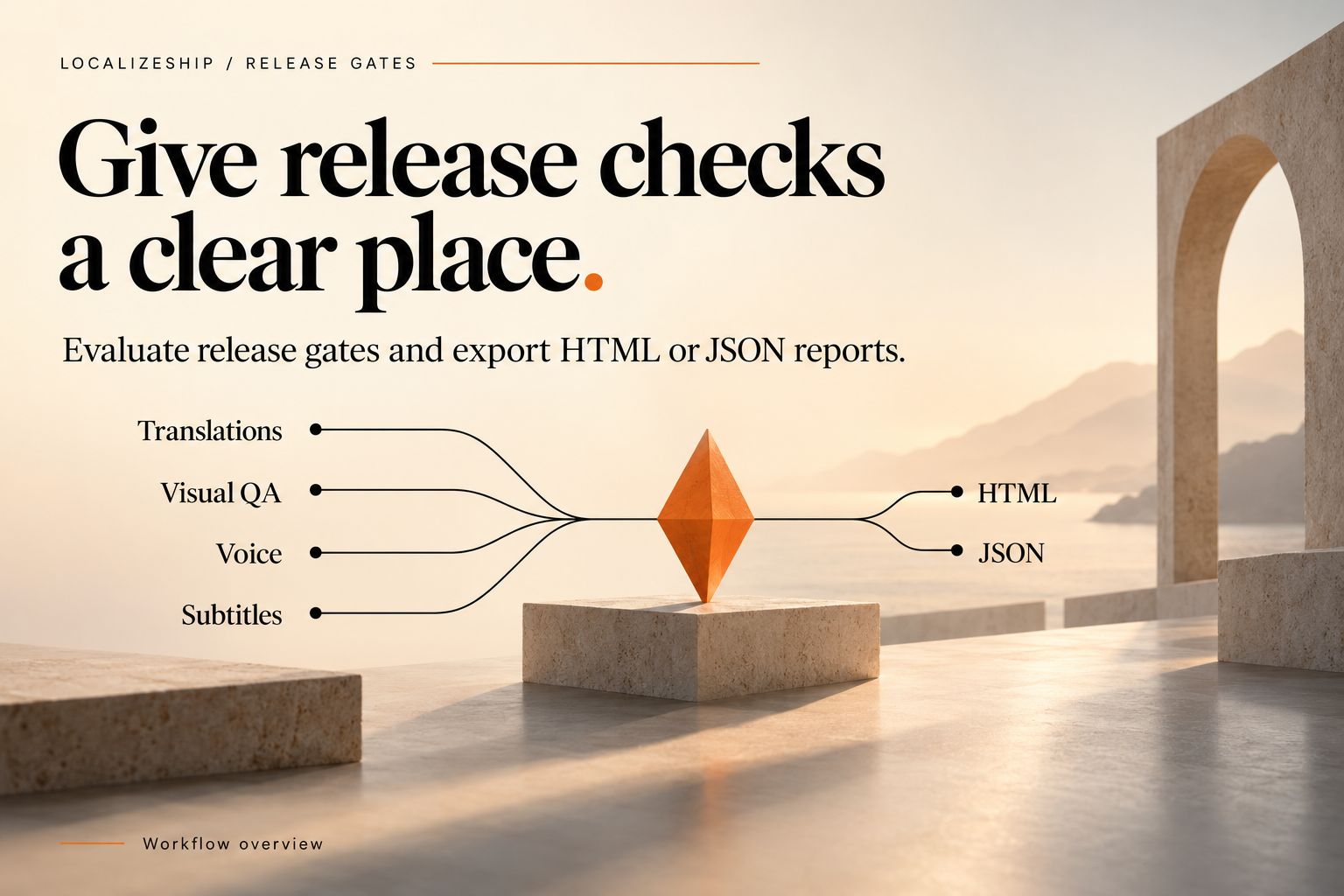
Open both HTML files and compare the four cards:
- Translations Approval Matrix — did missing or stale counts move?
- Visual QA Matrix & Geometry — did unvisited tiles shrink? Did error findings appear?
- Voice Coverage & Revisions — are the same lines stale, or new ones?
- Subtitle Timing & Reading Speed — did CPS violations appear after a text change?
The HTML contains details lines with the counters, so you can read the scale without opening the JSON.
4. Diff the workspace asset
The workspace is a serialized Unity asset. If it lives in version control, git diff shows exactly what changed between releases:
git diff v0.9.0 v1.0.0 -- Assets/Decnet/LocalizeShip/Samples/RPGSample/RPGSampleWorkspace.asset
Expect large diffs. The asset contains arrays of approvals, findings and revision history. The useful signal is usually:
- a new
SourceRevisionwith a higher revision number; - approval state transitions (
Stale,NeedsReview); - new or resolved
VisualFindingentries; - new
VoiceEntrystatuses.
A YAML-aware diff or a small editor script that prints counts per state is easier to read than the raw diff.
5. What a regression looks like
| Change | Signal |
|---|---|
| Source edited after translation | Stale count up, voice StaleSourceRevision up |
| New UI screen without a capture | unvisitedTiles up, verdict Possibly IncompleteCoverage |
| Translator introduced a bad tag | Visual or text rule issue, not gate — gate does not check tags |
| New locale added | Missing translations jump, verdict IncompleteCoverage |
| Subtitle text lengthened | CPS violations appear |
| Approval record lost | Missing count up |
Notice that a regression in text rules or tags will not appear in the gate report. Compare those with your own validation step.
6. Keep the comparison honest
- Compare reports produced by the same gate version. A change in check logic can look like a regression.
- Compare the same locale set. Adding a locale changes every count.
- Do not compare a full report with a partial one produced after editing the workspace asset by hand.
- If the verdict improved, confirm that coverage grew rather than the policy being relaxed.
A release-to-release checklist
- Export the gate report for the candidate.
- Diff it against the previous release report.
- List new violations by category and owner.
- Check that resolved violations were fixed, not merely suppressed or deleted.
- Archive both reports with the build.
- Record the verdict change in the release notes.