Impact Engine
One edit. Every downstream artifact. Named.
The impact engine is the difference between “the string changed” and “here are the seven things that now need attention, and why.” It is a pure computation over the workspace; it does not modify anything.
The five impact categories
public enum ImpactCategory
{
    ChangedSource,
    StaleTranslation,
    VoiceReRecord,
    SubtitleReview,
    VisualRecheck
}
Each ImpactedArtifact carries:
- category;
- entry ID and affected locale;
- summary and reason;
- source line preview;
- optional target asset path and object identifier;
IsBlocking(defaults totrue, not currently used by gates).
What ComputeImpact actually checks
Call:
var report = new ImpactEngine().ComputeImpact(workspace, entryId);
1. Changed source
If a current SourceRevision exists, the engine adds a ChangedSource item for the source locale:
Source line updated: "<first 40 chars>"
Reason: Source text or context has been modified in provider collection.
If no source revision exists, this item is absent.
2. Translations
For every target locale:
| Workspace state | Impact added |
|---|---|
Approval exists and is Stale | StaleTranslation — “Translation marked Stale” |
Approval exists and is Missing | StaleTranslation — “Translation is Missing” |
| Approval exists in any other state | Nothing |
| No approval record | StaleTranslation — “Unreviewed translation entry” |
This is a reporting rule, not a validity rule. It does not independently re-check the source hash; it trusts the state already stored on the record.
A
NeedsRevieworRejectedcell does not appear as a translation impact. If you want every non-approved cell listed, extend the engine or read the gate report, which classifies unapproved states explicitly.
3. Voice takes
For each VoiceEntry whose entry matches:
| Voice state | Impact added |
|---|---|
IsStale (StaleSourceRevision or StaleTranslationRevision) | VoiceReRecord — “requires re-take” |
Missing | VoiceReRecord — “requires re-take” |
DurationMismatch | Nothing |
BoundCurrent | Nothing |
The target asset path is the audio path; the object identifier is the voice ID.
4. Subtitle cues
For each SubtitleCue whose entry matches:
if (sourceRev != null && cue.BoundSourceHash != sourceRev.RevisionHash)
→ SubtitleReview, with the cue time range and the reason “Source text changed; verify reading speed (CPS) and duration.”
It does not check CPS or invalid timing here. Those are gate checks and the Voice & Subtitles window’s job.
5. Capture fixtures
A tile is included if either:
- one of its findings references the entry ID, or
- the tile’s
FixtureIdequals the source revision’sSceneOrFixture(ordinal, case-insensitive).
→ VisualRecheck, with the fixture ID, locale and reason about line wraps, container bounds and font fallback.
This means a fixture is only associated with a line if you have already run a capture that produced a finding for it, or if the source revision was recorded with a matching SceneOrFixture. There is no separate line-to-fixture registry in 1.0.0.
Report shape
public class ImpactReport
{
    public SourceRevisionHash TriggerSourceHash;
    public StableEntryId ChangedEntryId;
    public List<ImpactedArtifact> Items;

    public int TotalCount;
    public int ChangedSourceCount;
    public int StaleTranslationCount;
    public int VoiceReRecordCount;
    public int SubtitleReviewCount;
    public int VisualRecheckCount;
}
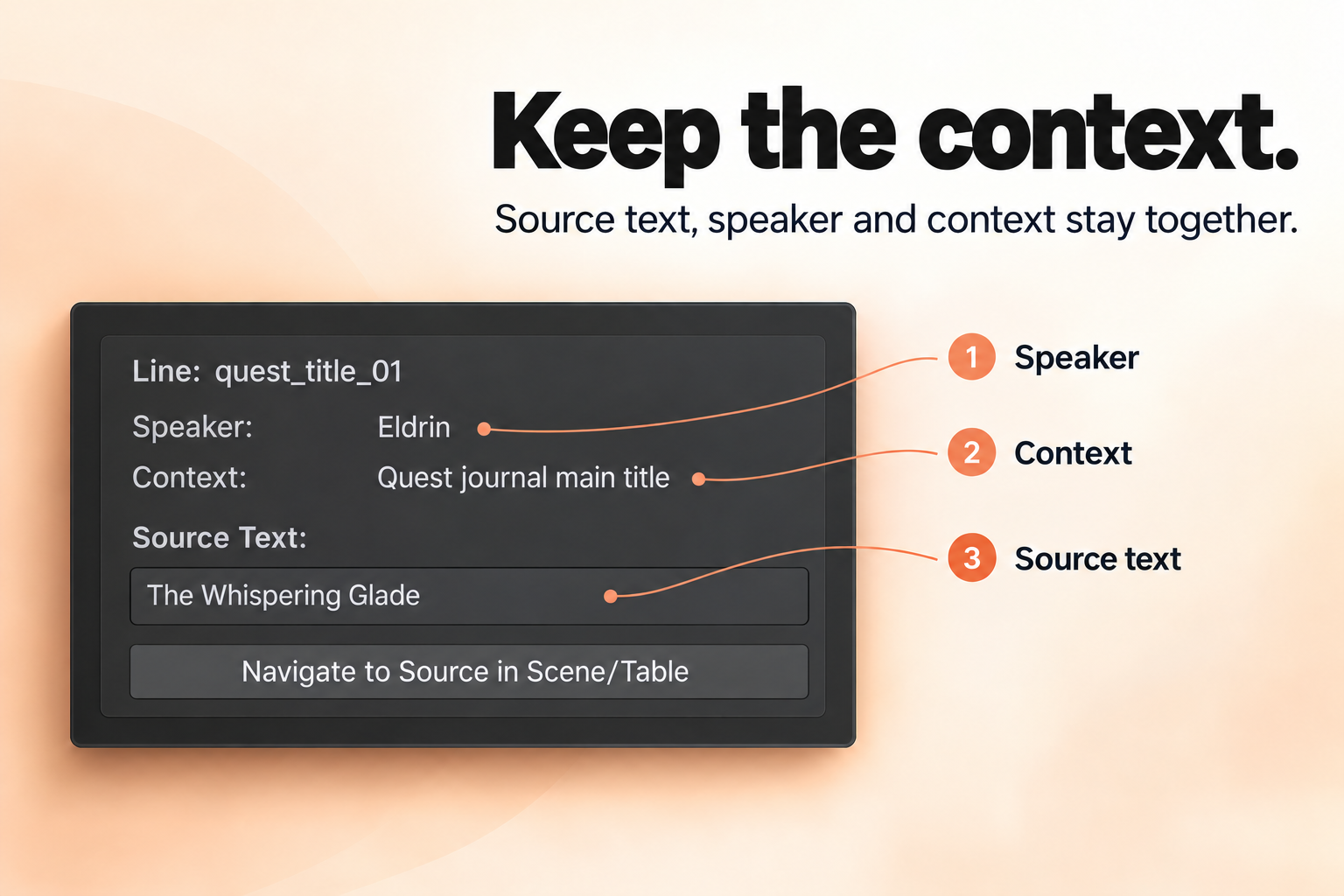
In the Release Board, the selected line’s report is recomputed on every selection refresh. The inspector lists each item as a help box and offers a button when a target path exists. The current button always calls the audio-clip navigator, even for non-audio targets.
A worked example
Workspace:
dialogue_npc_01, sourceen, approved German and Japanese.- Voice take in English and German bound to the old source.
- Subtitle cue in English bound to the old source.
- Capture tile for
RPGSample_DialogueAndQuestwith a finding on the line.
After the source changes:
| Category | Count | Why |
|---|---|---|
| ChangedSource | 1 | The line itself changed |
| StaleTranslation | 2 | DE and JA approvals moved to Stale |
| VoiceReRecord | 2 | EN and DE takes point at the old source hash |
| SubtitleReview | 1 | Cue bound to the old source hash |
| VisualRecheck | 1 | Capture finding references the line |
| Total | 7 |
That is the “edit once, see everything” promise in concrete terms.
What it does not do
- It does not edit, re-approve or re-record anything.
- It does not compute translation impact for locales with no record unless you consider the “unreviewed” item enough.
- It does not check duration mismatch for voice.
- It does not check CPS for subtitles.
- It does not discover fixtures that have never run and have no matching
SceneOrFixture. - It does not persist the report. It is derived data, recomputed on demand.
Using it from your own code
var engine = new ImpactEngine();
ImpactReport report = engine.ComputeImpact(workspace, new StableEntryId("quest_title_01"));

foreach (var item in report.Items)
{
    Debug.Log($"[{item.Category}] {item.AffectedLocale}: {item.Summary}");
}
Useful for a custom pre-commit check, a build validation step, or a Slack summary. Because the engine is a plain C# class over a serializable workspace, it is easy to call from an editor script or a test.