Hotfix & Patch
Small change, same evidence
A hotfix is not an excuse to skip review. It is a smaller version of the same loop: edit, invalidate, retranslate, verify, gate, archive.
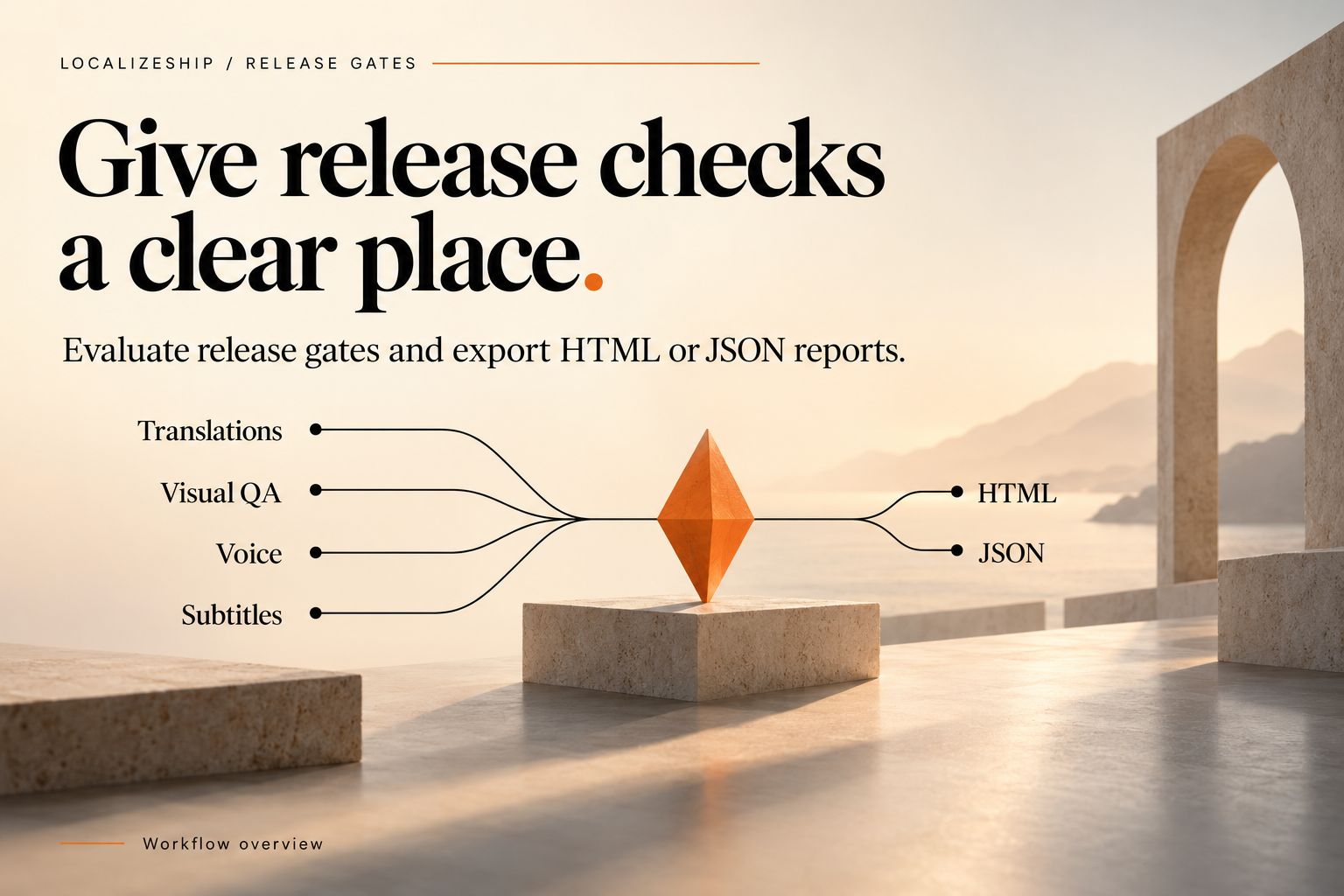
1. Isolate the patch
Branch from the shipped tag. Use a separate workspace only if the patch is large; for a handful of lines, the release workspace is fine as long as you can distinguish the patch changes in the report.
Record:
- the shipped build number;
- the exact lines being changed;
- the locales affected;
- who approved the original text;
- the reason for the change (typo, legal, platform, bug).
2. Edit through the tracker
var tracker = new RevisionTracker();
tracker.ProcessSourceEntry(
    workspace,
    new StableEntryId("ui_settings_legal"),
    "Accept the Terms of Service to continue.",
    "System",
    "Settings, legal consent");
For a translation-only typo (source unchanged), edit the approval text in the Release Board instead. That does not change the source hash, so other locales are unaffected.
For a source change, every approved locale for that line becomes Stale. That is intended.
3. Decide per locale
| Change | Action |
|---|---|
| Source typo that does not change meaning | Translator confirms existing text; re-approve without retranslation |
| Meaning change | Retranslate |
| UI length change | Retranslate + re-run captures |
| Voice line change | Re-record or waive explicitly |
| Subtitle timing change | Re-time cues |
Document waivers. “We shipped the old German take” is a decision someone should own.
4. Import the patch translation
Use JSON. It preserves the base translation and source hash, which matters when the patch is built on top of an already-translated release.
Resolve any StaleSourceConflict manually. Do not accept a whole file because the patch is urgent.
Imported text enters NeedsReview; approve it explicitly.
5. Verify
Minimum verification for a text hotfix:
- Release Board: the changed cells are
Approvedagainst the current hash; - Text rules: placeholders and tags are valid (run your check);
- Capture Matrix: re-run the affected fixture for every locale whose text changed;
- Voice: no unexpected stale takes;
- Subtitles: CPS and timing valid if cue text changed;
- Gate: report generated and archived.
For a UI layout fix, also check safe area and touch targets.
6. Rollback plan
Before applying an import, note the current cell values. The window’s rollback journal is session-only and is lost on editor restart. If you need durable rollback, rely on version control of the workspace asset and the translations.
Recommended:
- commit the workspace before the patch;
- apply the patch;
- verify;
- commit the result with the report;
- if the patch fails, revert the commit rather than relying on the in-session journal.
This is more reliable than the built-in rollback for a release process.
7. Ship the evidence
Attach to the hotfix record:
- the gate JSON and HTML;
- the import plan’s affected IDs;
- the list of waivers;
- the build number and the report timestamp.
A hotfix with no report is indistinguishable from an untested change.
8. After the patch
- Merge the hotfix branch back so the next release does not reintroduce the bug.
- If the patch changed source text, update the narrative source of truth, not only the workspace.
- If the patch revealed a missing capture fixture, add it.
- If a locale was waived, schedule the proper fix.
Common hotfix mistakes
| Mistake | Consequence |
|---|---|
Editing TranslationText without review | Approval state no longer reflects the text |
| Reusing an old handoff file | Base hash mismatch, conflicts or silent overwrite |
| Skipping captures because “only text changed” | Overflow ships |
| Trusting the session journal after restart | No rollback available |
| Regenerating the whole table for one line | Conflicts and cost |